

Integrations > Security
Single Sign-On (SSO)
Let your team sign in to SuperFunnel with your own identity provider using SAML 2.0.
Overview
Single Sign-On lets your team sign in to SuperFunnel with the same credentials they use everywhere else, managed by your own identity provider. Access is granted and revoked centrally by your IT team, and nobody needs a unique SuperFunnel password.
SuperFunnel supports SAML 2.0, which covers Okta, Microsoft Entra ID (formerly Azure AD), Google Workspace, OneLogin, Ping, JumpCloud and any other SAML 2.0 provider.
SSO is set up by our team
SSO setup requires SuperFunnel support. The whole exchange usually takes one or two business days.
Prerequisites:
- One team member already added in SuperFunnel (without SSO) under Team Management.
- A SAML 2.0 identity provider, like Okta or Microsoft Entra ID, for the domain your team signs in with.
- Your provider configured to send the user's email address as the SAML Name ID.
What this guide covers
Setting Up SSO
Contact support
Email support@superfunnel.ai, or start a chat from inside your workspace, and tell us:
- Your SuperFunnel Workspace names
- The email domains that should use SSO
- Which identity provider you use
Note our service provider details
Your identity provider needs two values from us. They are the same for every customer, so you can start building the application before you hear back:
| Field | Value |
|---|---|
| ACS URL | https://auth.superfunnel.ai/__/auth/handler |
| Entity ID | https://app.superfunnel.ai |
Providers name these differently. The ACS URL is also called the reply URL, the assertion consumer service URL, or the single sign-on URL. The Entity ID is also called the audience URI.
Both must match exactly
A trailing slash or a stray space in either value will cause your provider to reject the sign-in. Copy them, don't retype them.
Create the application in your provider
Follow the guide for your provider below. At the end you will have three values to send back to us.
Send us your identity provider details
Reply to support with:
- Entity ID / Issuer — a URI identifying your provider
- SSO URL / Login URL — where we send users to sign in
- X.509 signing certificate — the public certificate, including the
-----BEGIN CERTIFICATE-----and-----END CERTIFICATE-----lines
A metadata XML file or its URL works too, since all three values are in it.
Test with one person, then roll out
We enable the provider and ask you to test with a single user who is both assigned to the application in your provider and already a member in SuperFunnel. Once that login works, assign the rest of your team.
You're done
Your team can now sign in with Sign in With SSO using their work email address.
The Sign-In Experience
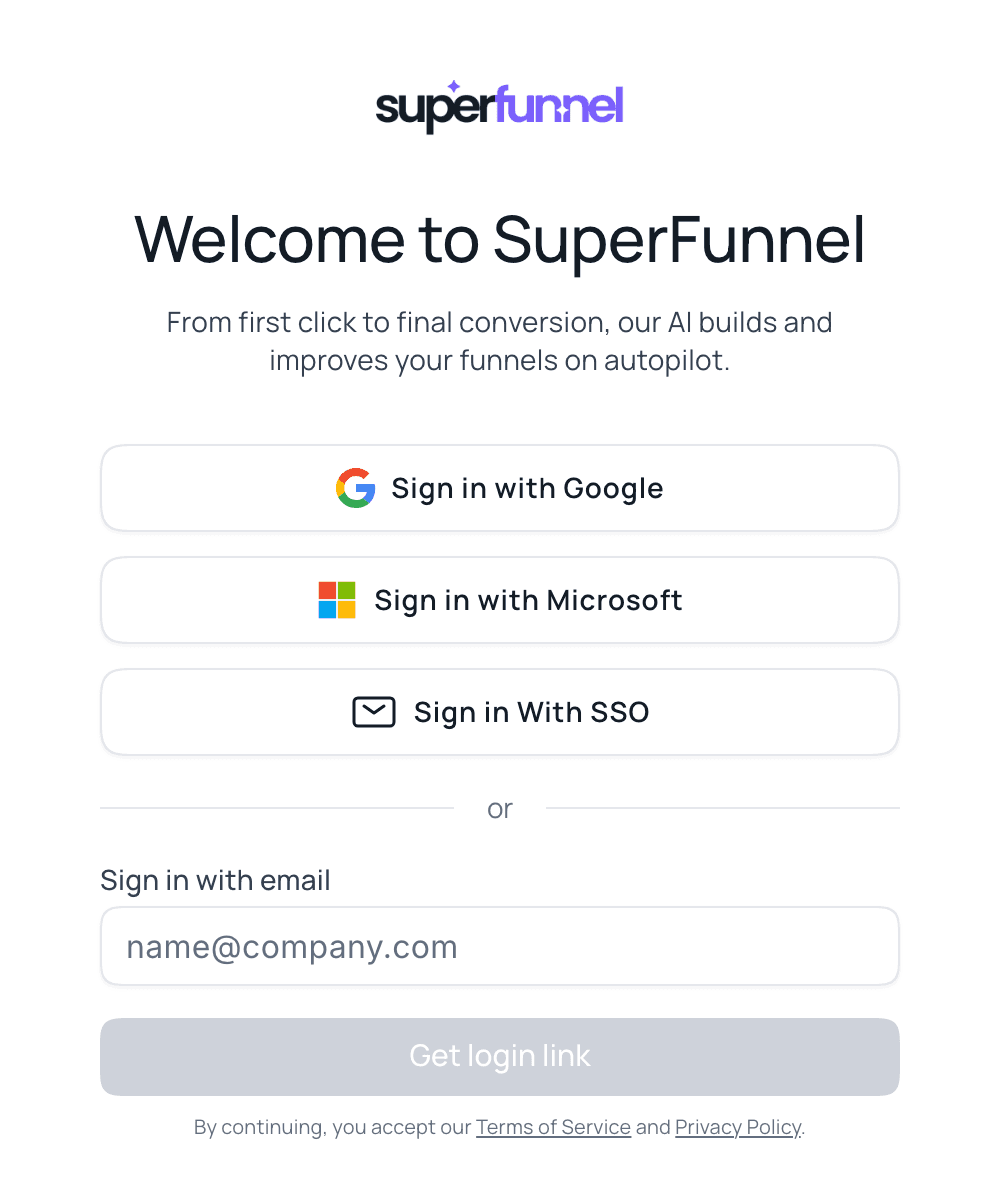
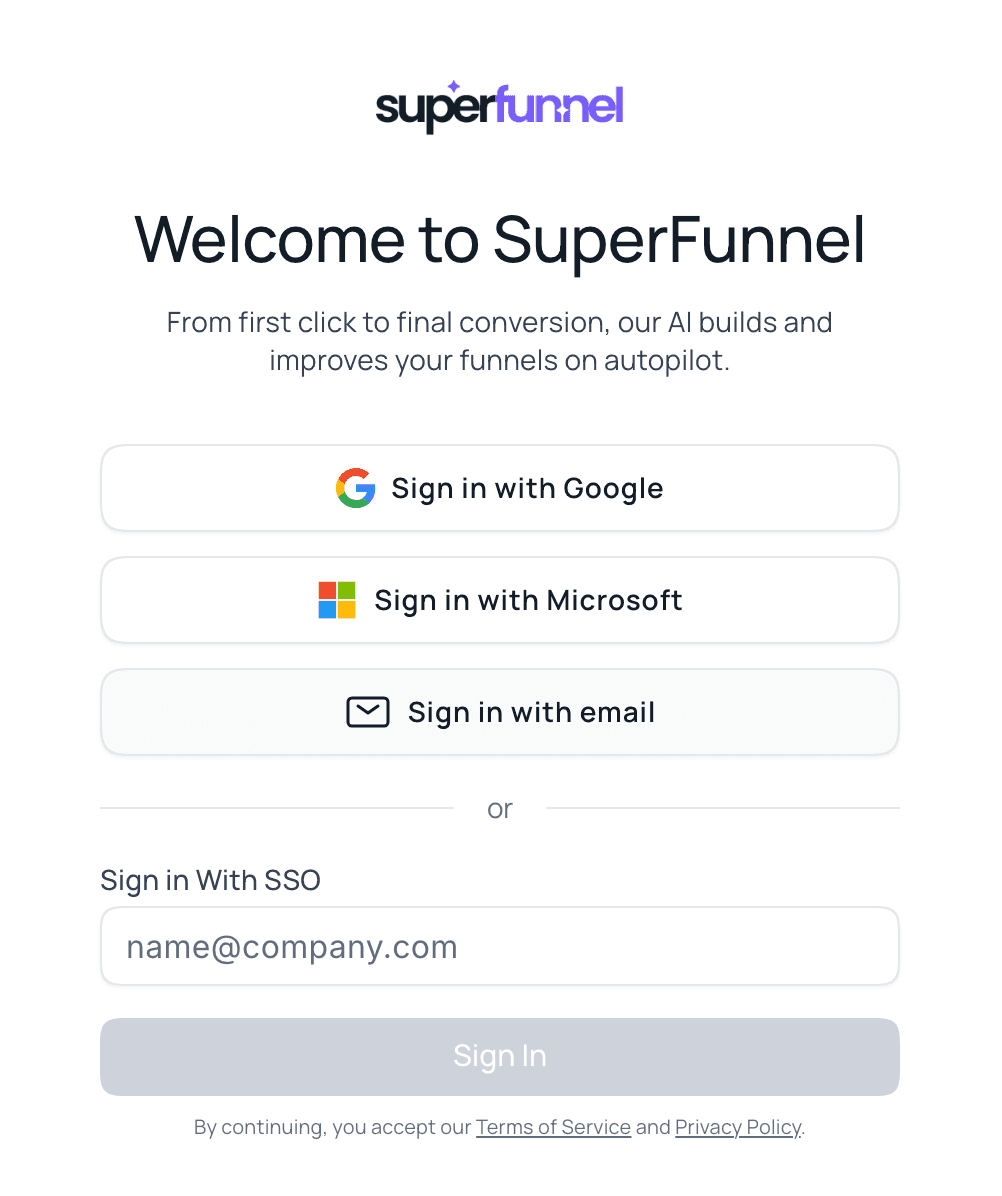
Once SSO is live for your domain, signing in takes three clicks. At app.superfunnel.ai, your team clicks Sign in With SSO instead of Google, Microsoft, or an email link, and enters their work email address. SuperFunnel reads the domain from that address (for example acme.com in dana@acme.com) and hands off to the identity provider registered for it, which signs the user in under your own policies, including MFA or conditional access. They land back in their SuperFunnel workspace already signed in.
Provider guides
Okta
Create a SAML 2.0 app integration in the Okta Admin Console and collect its metadata.
Microsoft Entra ID
Set up SAML single sign-on for a non-gallery enterprise application in Entra ID.
Using a different provider? The values are the same everywhere, so the two guides above translate closely. Send support your provider's metadata and we will help you map the fields.
Good to know
Summary
SuperFunnel supports SAML 2.0 single sign-on, configured for you by support. Get your identity provider and your SuperFunnel members lined up, contact support to start the exchange, then follow the Okta or Microsoft Entra ID guide to create the application on your side.